opens the A–Z Index — filter anchored terms & structures $ press ⌘Space
XR Heart Anatomy

Mixed reality · Meta Quest

What could you discover with a heart in your space?

Explore a beating heart and its internal structures in mixed reality. Rotate and zoom the model while your surroundings remain in view.

What is XR Heart Anatomy?

The whole heart, within reach

Bring a beating heart into your room with XR Heart Anatomy on a compatible Meta Quest headset. Use your hands to turn and enlarge the model, then look closer at chambers, valves, coronary vessels and electrical pathways. Explore the detailed anatomy in mixed reality or in a virtual study space.

Promotional illustration for XR Heart Anatomy

Inside the experience

Look closer, one structure at a time

The following videos demonstrate XR Heart Anatomy. Start with the coronary arteries, then explore the chambers, electrical pathways and mitral valve.

1Coronary arteries

Where do the coronary arteries go?

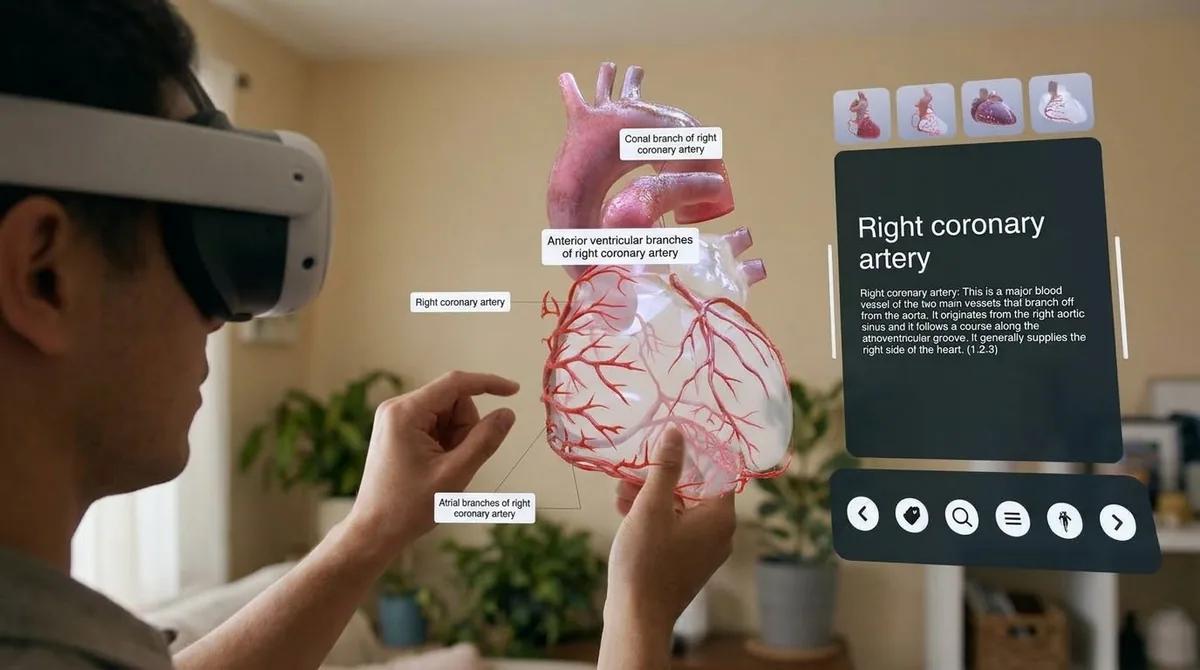
Turn the heart in your hands and follow the right coronary artery and its branches. Labels connect each vessel with the surrounding anatomy as you explore it in mixed reality.
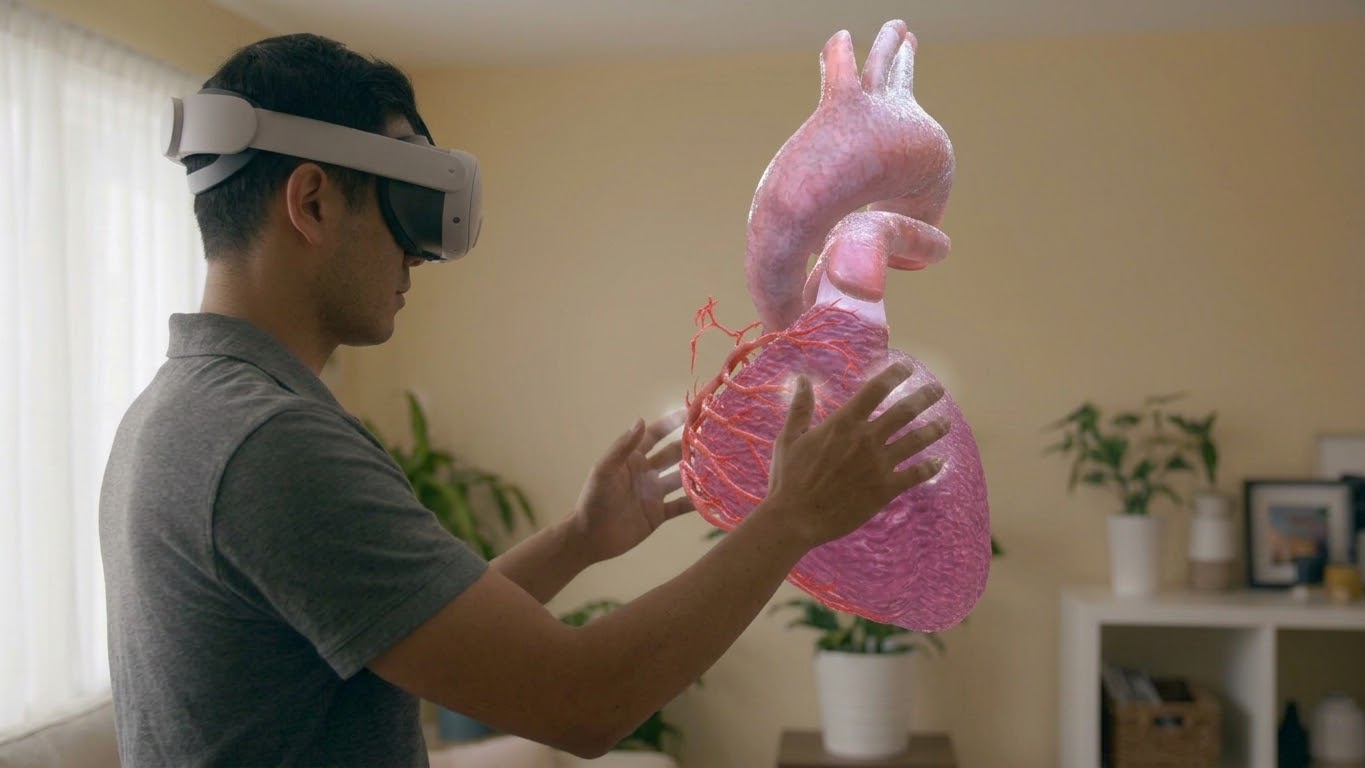
Meta Quest wearer exploring the coronary vessels on a heart model in a room.

In-app capture from XR Heart Anatomy on Meta Quest, with the app’s narration and the wearer’s hand movements.
2Inside the beating heart

Explore chambers and valves

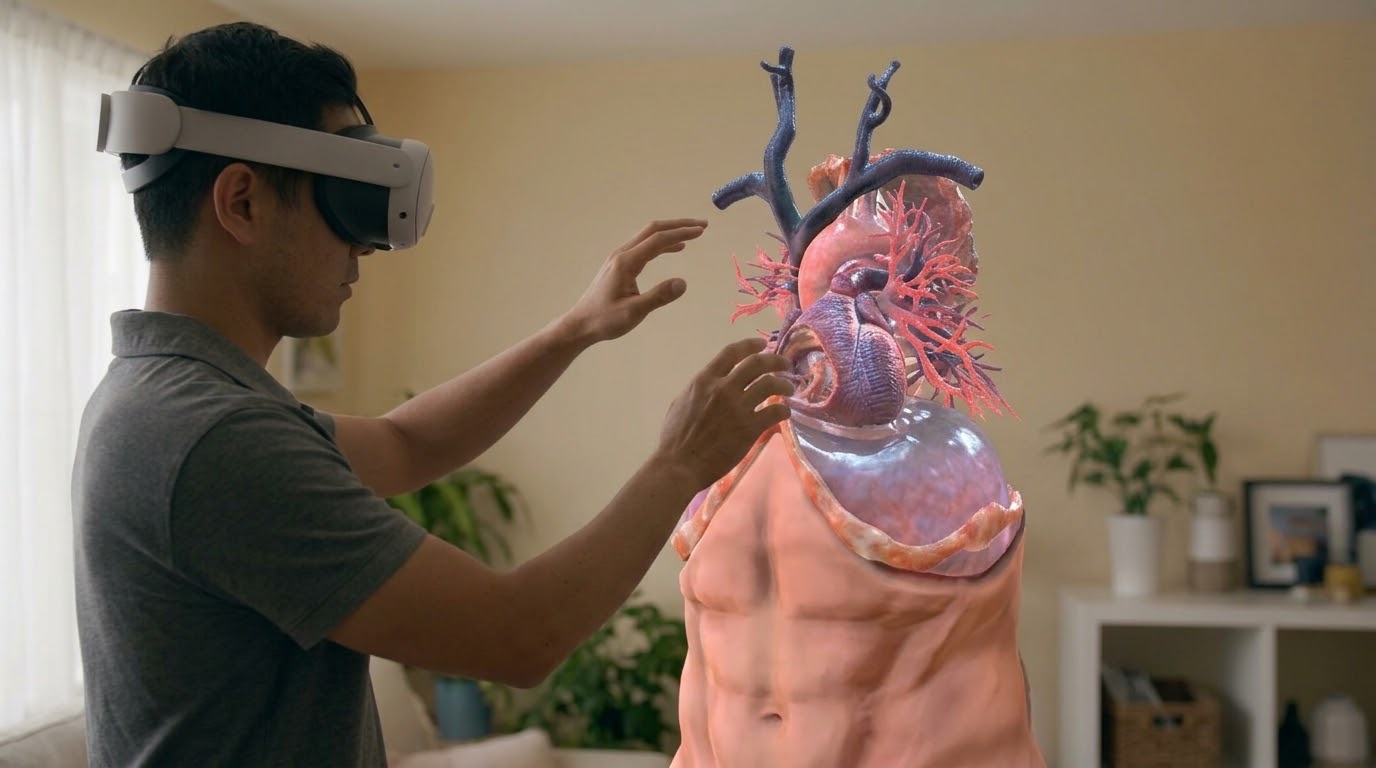
Rotate and enlarge the heart to explore its chambers and valves. Follow the route of blood and see how the right and left sides fit together.

Meta Quest wearer exploring the heart chambers within a torso model in a room.

In-app capture from XR Heart Anatomy on Meta Quest, with the app’s narration and the wearer’s hand movements.
3Anatomy of the heartbeat

Explore the heart’s conduction system

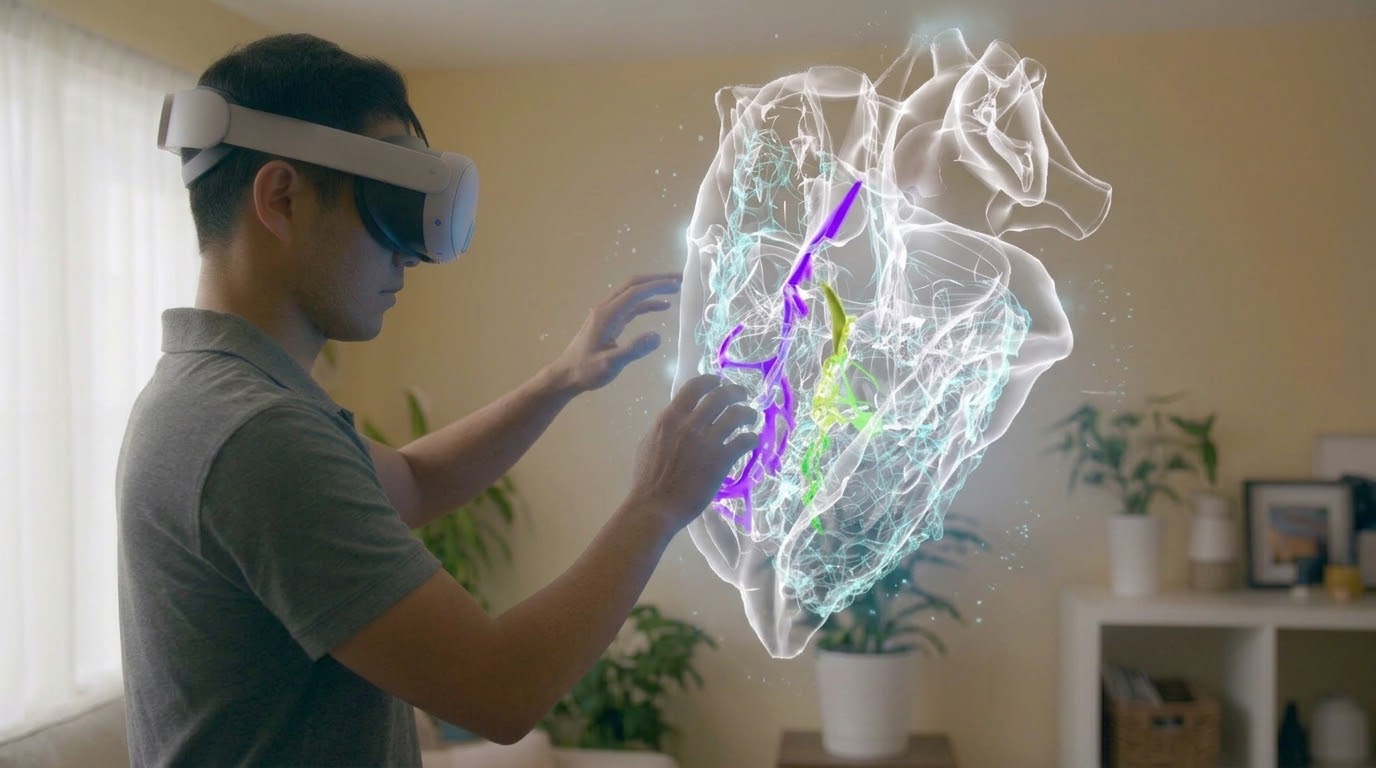
Explore the electrical pathways in relation to the heart’s chambers. Turn the model and select labels to connect each structure’s name with its position.

Meta Quest wearer interacting with the conduction pathways in a transparent heart model.

In-app capture from XR Heart Anatomy on Meta Quest, with the app’s narration and the wearer’s hand movements.

4Mitral valve in detail

Explore the valves like never before

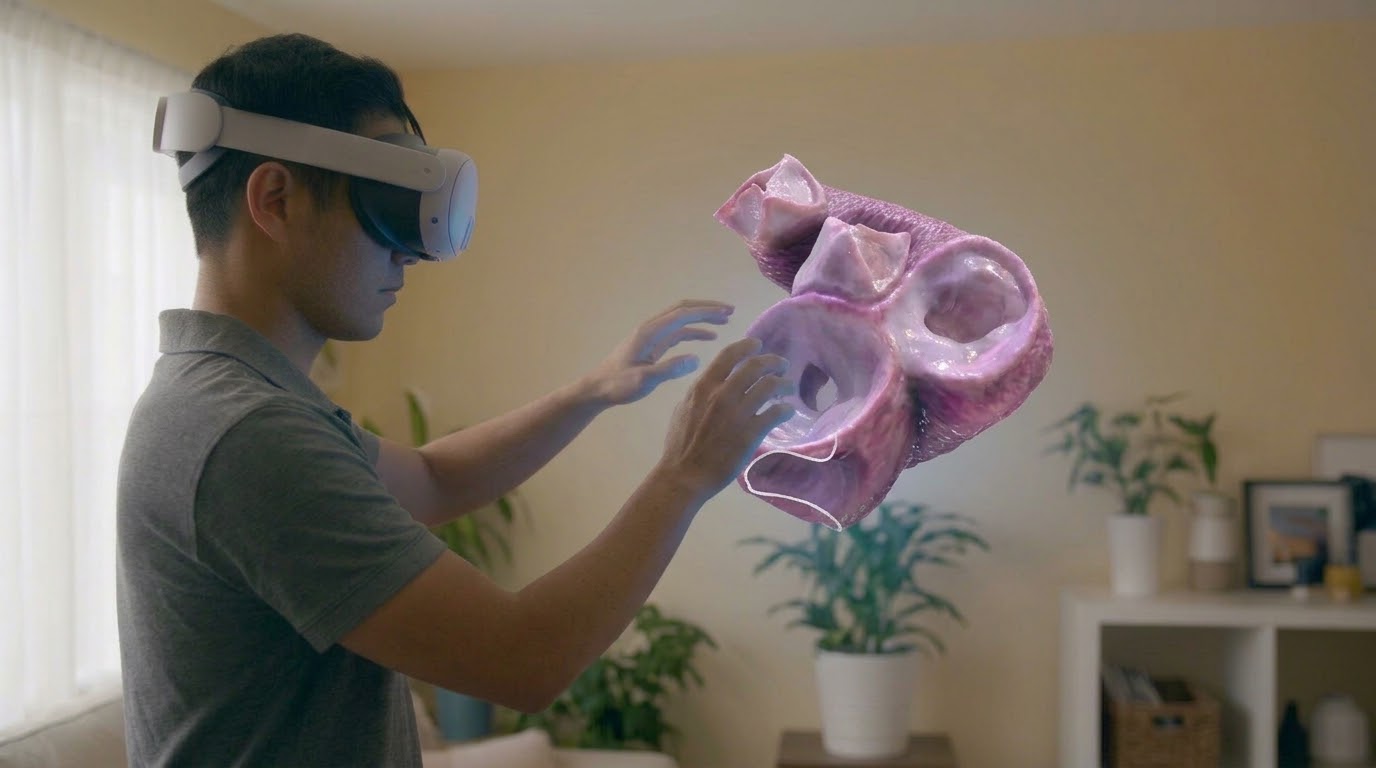
Look closely at the mitral valve’s leaflets, chordae tendineae and papillary muscles. Rotate the model to see how these structures fit together.

Meta Quest wearer examining an enlarged model of the heart valves in a room.

In-app capture from XR Heart Anatomy on Meta Quest, with the app’s narration and the wearer’s hand movements.

Inside the app

Watch the experience

Web and app

Choose how to explore

Use the web for a quick look, or open the app for its own interactive tools.

Choose how to explore
What you get Web atlasIn your browserXR Heart AnatomyCompatible Meta Quest headset
Views Static illustrations and 360° image sequences, where available. Turn, enlarge and hold the model with your hands.
Your surroundings Figures stay inside the browser; you cannot pick them up or place them in your room. Mixed reality in your room, or a virtual study space.
Access Read and explore the web atlas free in your browser. Open XR Heart Anatomy. See its store listing for device requirements and availability.

Mixed reality · Meta Quest

Explore XR Heart Anatomy on Meta Quest

Find current availability, prices and device requirements in the store. You can also explore anatomy topics on the web.

Before you buy

Questions people ask

Device requirements, access and ways to explore.

Where can I get the app?

Find XR Heart Anatomy on the Meta Quest Store. Check the current listing for availability and price.

Which headsets are supported?

Check the compatible devices listed on the Meta Quest Store before installing.

Do I need a headset?

Yes. XR Heart Anatomy is the headset experience for Meta Quest. For your phone or tablet, explore 3D Heart Anatomy, the separate interactive atlas.

Are the phone and headset apps identical?

They are separate products with their own interfaces and tools. Choose the app for the device and type of exploration you want.

    0%— min