XR Anatomy App


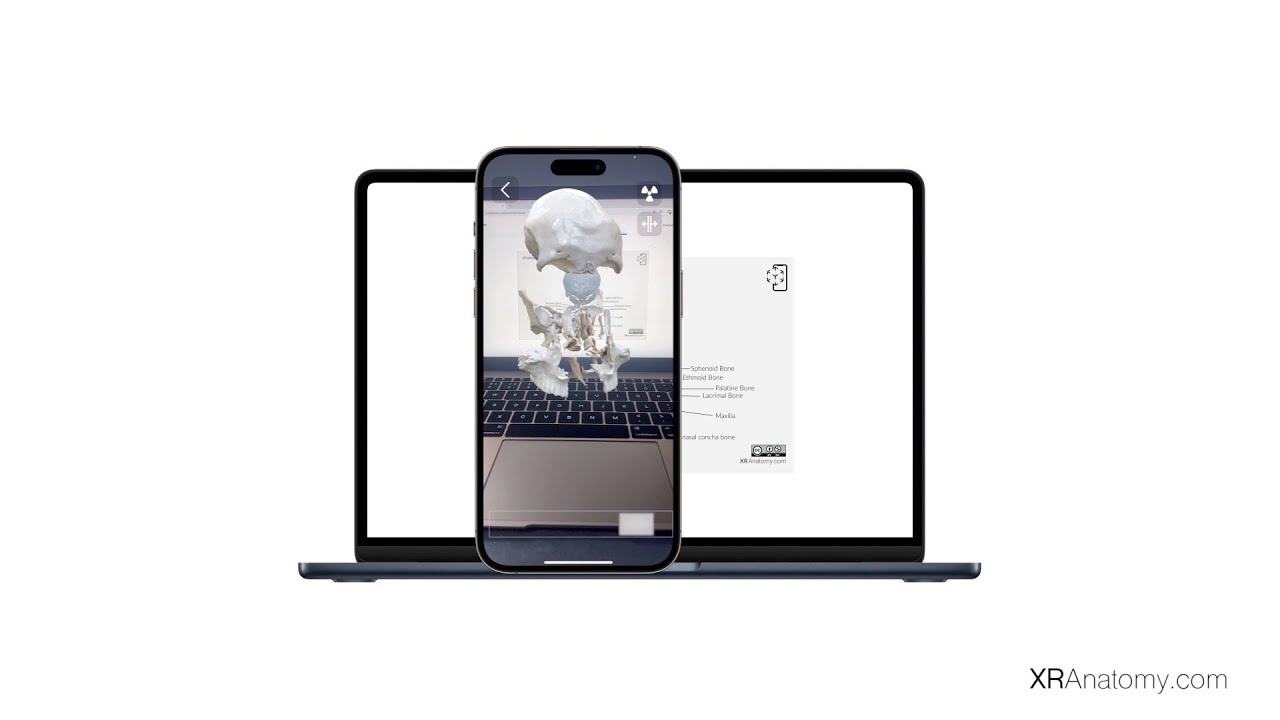
Transform static illustrations into interactive 3D models by simply scanning an illustration from the AR contents using the XR Anatomy IOS app. Bring anatomy to life on your phone and experience immersive, hands-on exploration like never before.
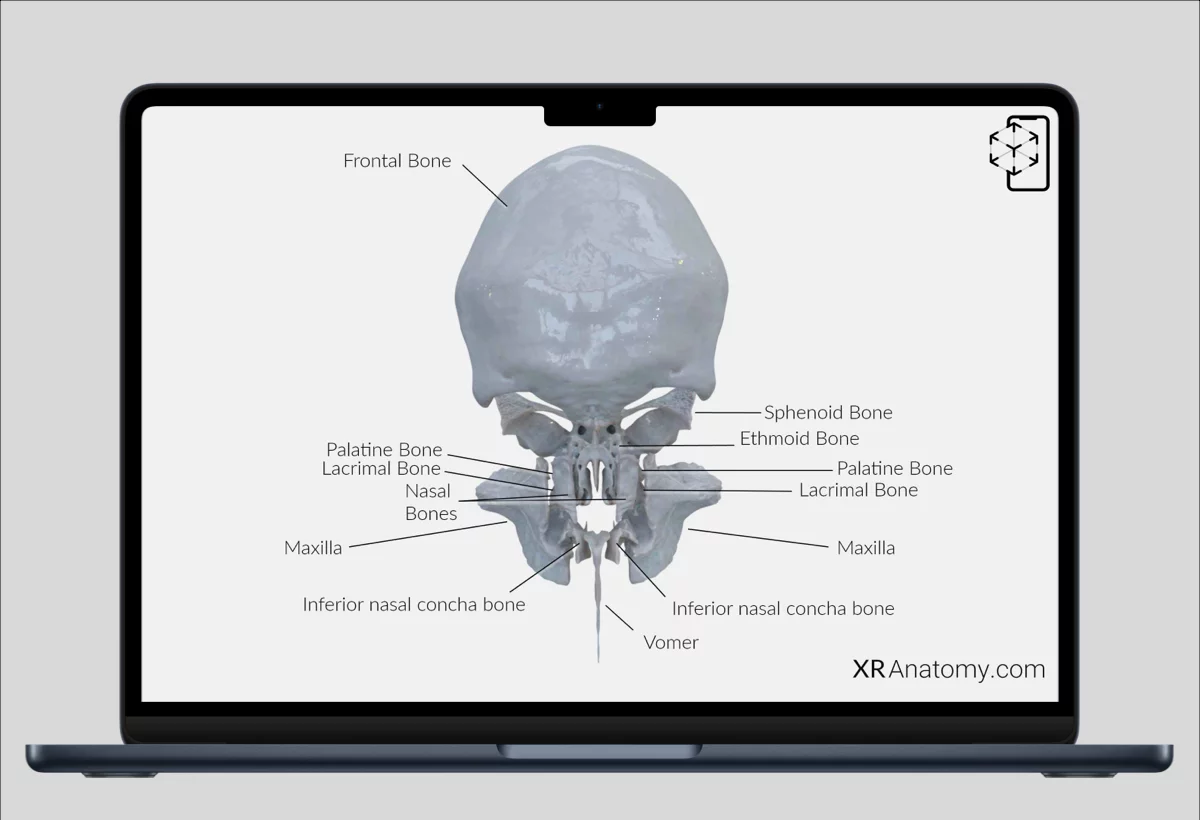
Step 1: Browse AR Illustrations
Explore our anatomy AR content on any device.
Laptop, tablet, phone — whatever you've got.
Step 2: Point & Watch It Pop
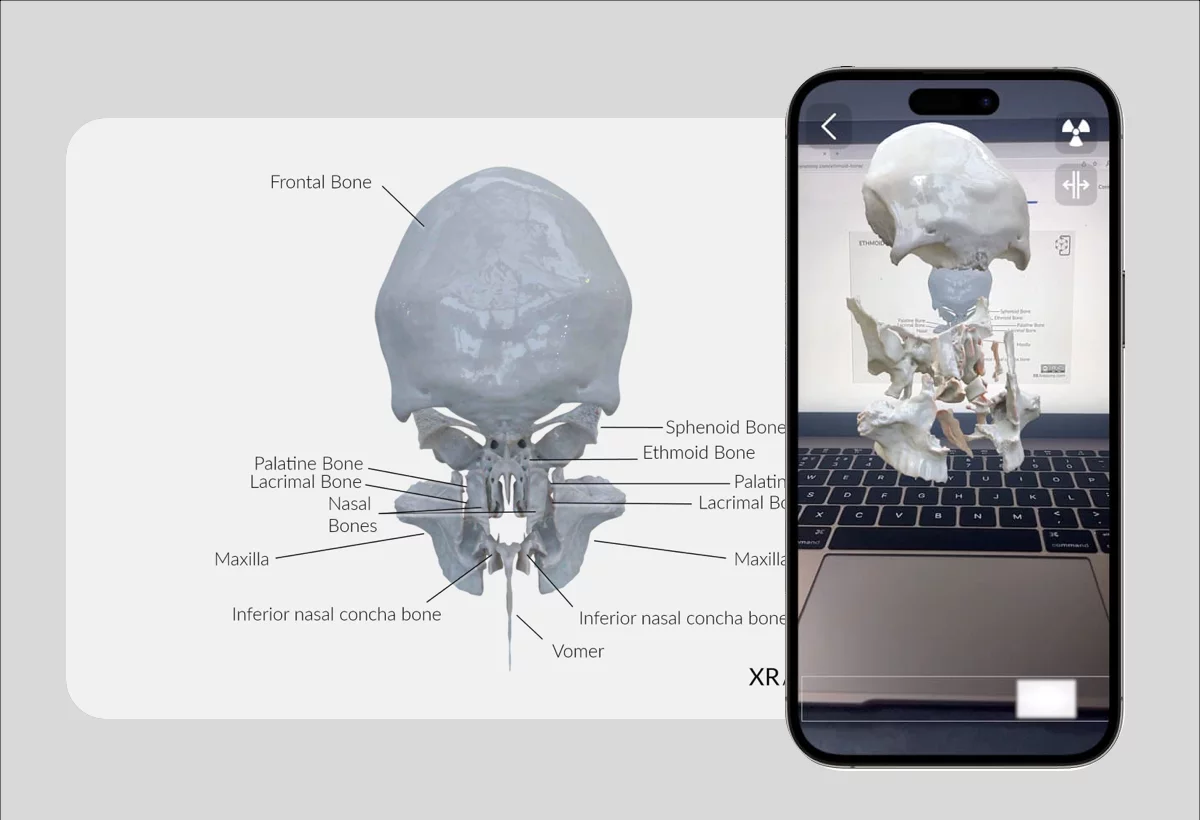
Open the XR Anatomy app on a different iOS device.
Point the camera at an illustration.
Watch it come to life in augmented reality.
Step 3: Explore in Your Hands
Rotate to spin it around.
Pinch to zoom in.

What You Can Explore
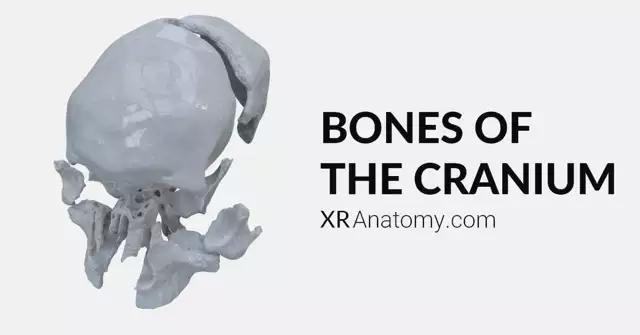
Osteology — The cranium. Every bone of the cranium.
Cardiovascular — The heart in motion. See how blood actually flows.
More systems coming soon.